
Weak and Reused Passwords: The Main Open Door to Your Servers and Sites
Author: ForRange Team
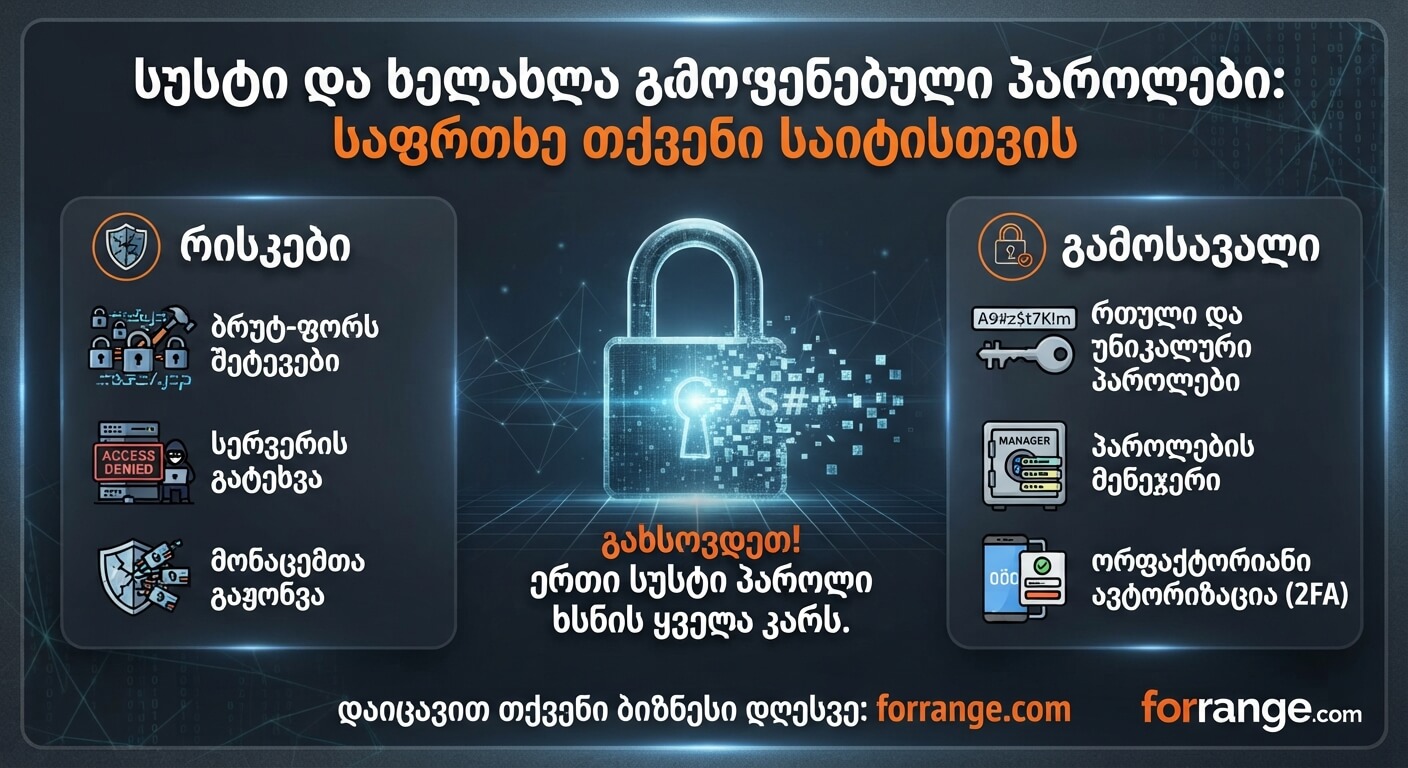
In today's digital world, cybersecurity is not just the prerogative of large corporations. Even small websites, blogs, and servers fall target to automated bots and hackers every day. Although there are many complex technical mechanisms available to ensure security, the vast majority of attacks still begin with the most 'simple' and vulnerable link—weak and reused passwords. Why Is This Problem Still Relevant? Human nature is designed to remember only simple and similar combinations. As a result, millions of users and management system administrators use simple passwords such as: * admin123 * password * birth dates or names (e.g., georgia2026) Moreover, the main critical mistake is using the exact same password across different services: for server SSH access, the web hosting panel, email, and social networks. It only takes one less-secured third-party site to experience a data breach for hackers to automatically test that exact password on your main server or management panel. What Dangers Do Weak Passwords Pose? 1. Brute-Force Attacks: Special scripts test thousands of variants per second. A weak password yields to such an attack in just a few seconds. 2. Loss of Complete Control Over the Server: If an attacker gains access to your SSH or hosting panel (e.g., CWP, cPanel), they can alter configurations, inject malicious code (Malware), or even use your server to send out spam. 3. Reputational and Financial Damage: A hacked site means lost users, blocked domains in search systems (Google), and a crisis of trust. How to Protect Yourself? (Practical Tips) * Use complex and long combinations: A good password should consist of at least 12-16 characters and contain a mix of uppercase and lowercase Latin letters, numbers, and symbols. * Never use the same password twice: Each service, site, or panel should have a unique password. * Use password managers: Tools like Bitwarden, 1Password, or even browser-built-in managers allow you to store complex, randomly generated passwords without having to memorize them yourself. * Be sure to enable Two-Factor Authentication (2FA): Wherever possible (hosting panel, Cloudflare, email), always link 2FA (via Google Authenticator or SMS). This practically reduces hackers' chances of success to zero, even if they figure out your password. Conclusion The security of your server and site begins not with expensive protection systems, but with basic discipline—strong and unique passwords. Take a few minutes to check your current accesses and strengthen them today. Need help with server security audits and reliable hosting? Visit forrange.com and get professional support.